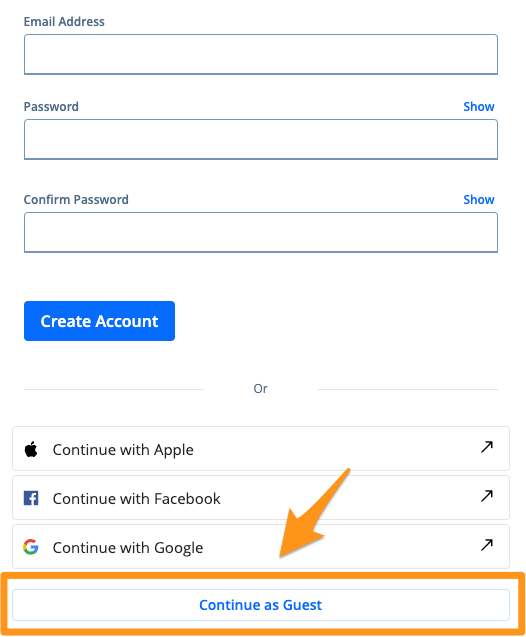
Creating Profiles on Powered by PayIt Apps
Follow the steps below to create a profile that can be used across all "powered by PayIt" apps:
- Visit a "powered by PayIt App" and in the top right corner click Log in

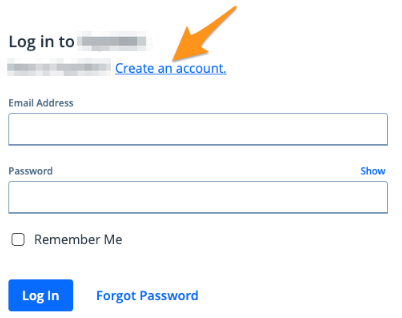
- Click Create an Account
- Your options for creating an account will be displayed. Please note, these options can vary from from app to app.
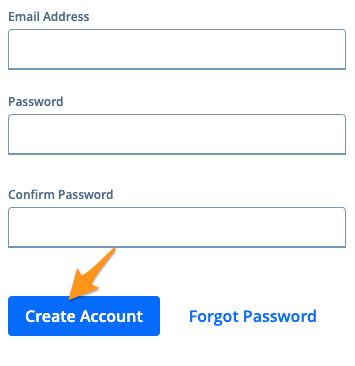
- Create an account using an email address
Enter your email address, create and confirm a password that is at least 8 characters long, and then select Create Account
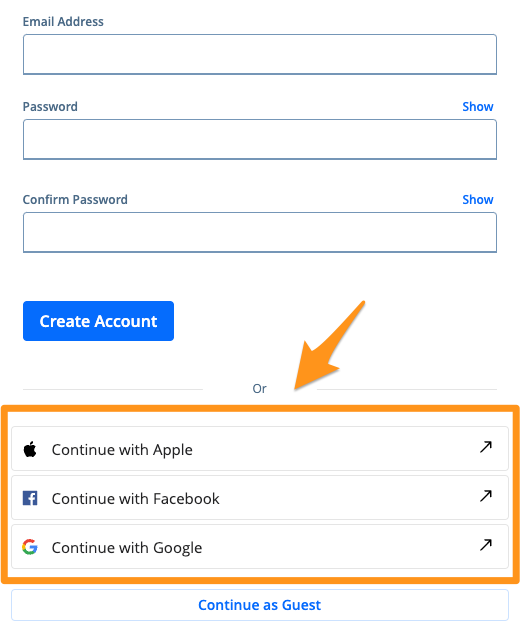
- Create an account using a social option
Click Continue with Apple, Continue with Facebook,or Continue with Google and follow the prompts
- Sign in a Guest
If you prefer to continue without creating a profile, click Continue as Guest