
Finding Payment Receipts on Powered by PayIt Apps
View receipts in the profile section of any "powered by PayIt" app for payments completed while logged in to a "powered by PayIt" app. Follow the steps below to find a receipt in your profile:
Note: If you completed a payment as a guest, a receipt will not be stored in a profile, but you may contact PayIt Support to request a copy by clicking the blue "Hi. Need any help?" widget in the bottom right corner of the screen
- Visit a "powered by PayIt App" and in the top right corner click Log in

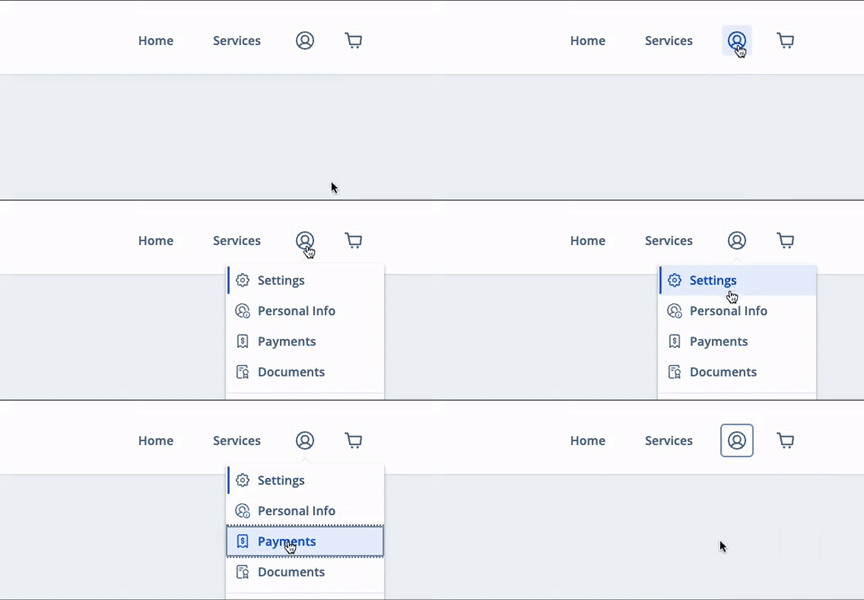
- Select the profile icon in the upper right corner and click Payments
- In the "Payment History" section select a receipt to view more information